
How to add actions to your workflows
The Add Actions section allows you to dynamically generate a list of actions.
These actions are all controlled by custom conditions that you can apply. Click here for more info about Conditions.
Some actions are not available in certain regions or based on the license level. For any further information please contact Virtus Flow Sales Support.

Standard actions included:
VIRTUS FLOW INTERNAL FEATURES
All the internal actions are linked to Out-of-the-Box Apps that you can find bundled with Virtus Flow.
- New Project
- New Task
- New Company
- New Resource
- New Activity
- New Task
- New Sticky Note
- New Contact
- New Document
- New Attachment
- New Data Object
- New User
EXTERNAL ACTIONS
- Send Email
- IMAP
CALL API
Visit this KB to learn more about API Integration
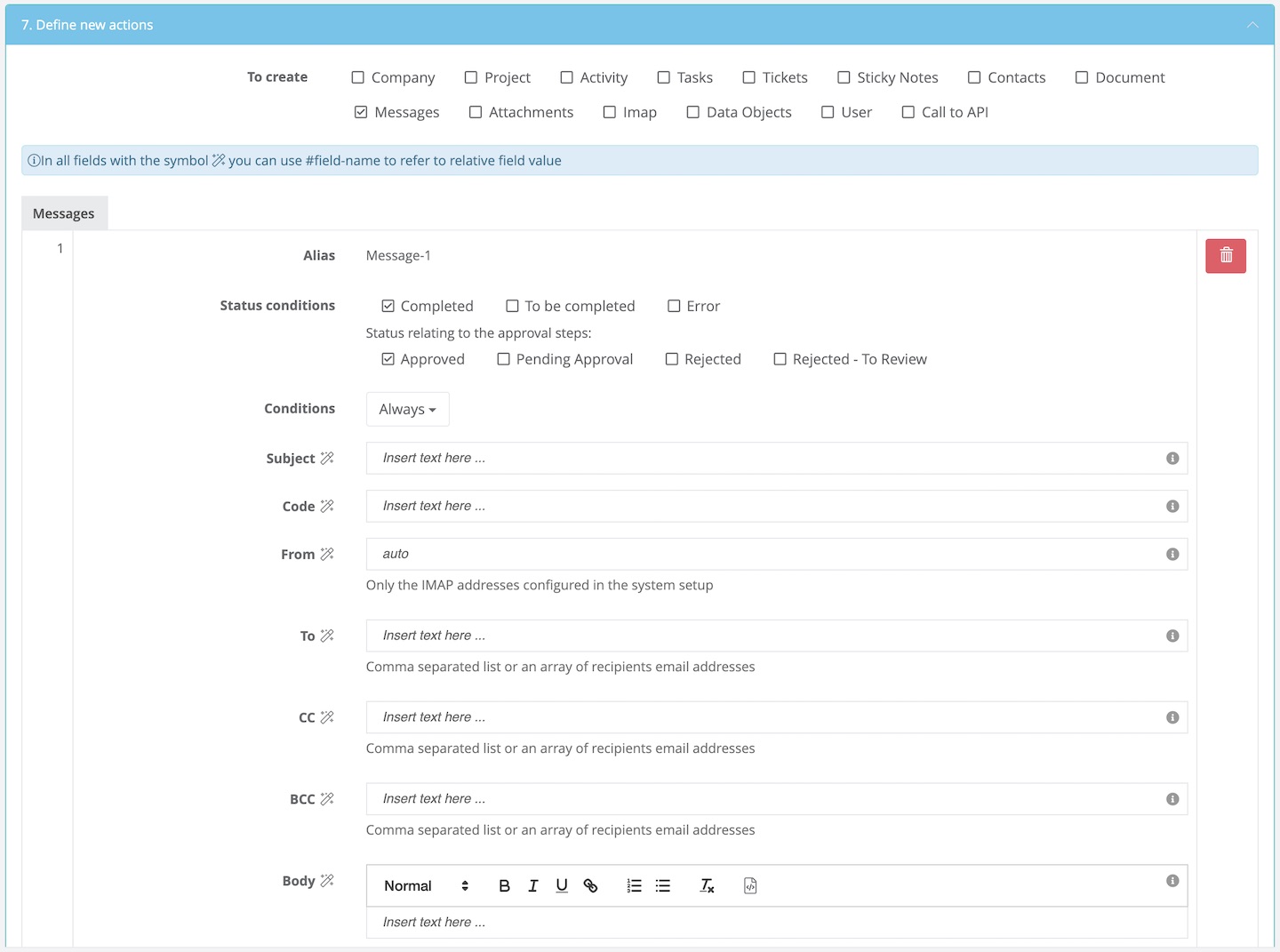
For each action a specific section (see below) will pop up. In this section you can customize each data entry using # and the dynamic reference to the field. You can also apply conditions to each action.
Comments
0 comments
Article is closed for comments.