
How to add Basic Approval Steps
| NOTE: This applies to Requisition Forms and Processes that are not generated with DATA OBJECTS |
If your goal is to manage a simple process with one or few sequential approval steps that do not require data editing you will find interesting "Approval Steps".
Defining the Step
This is the definition or the Name of the Step, this is important if you're using Approval Steps.
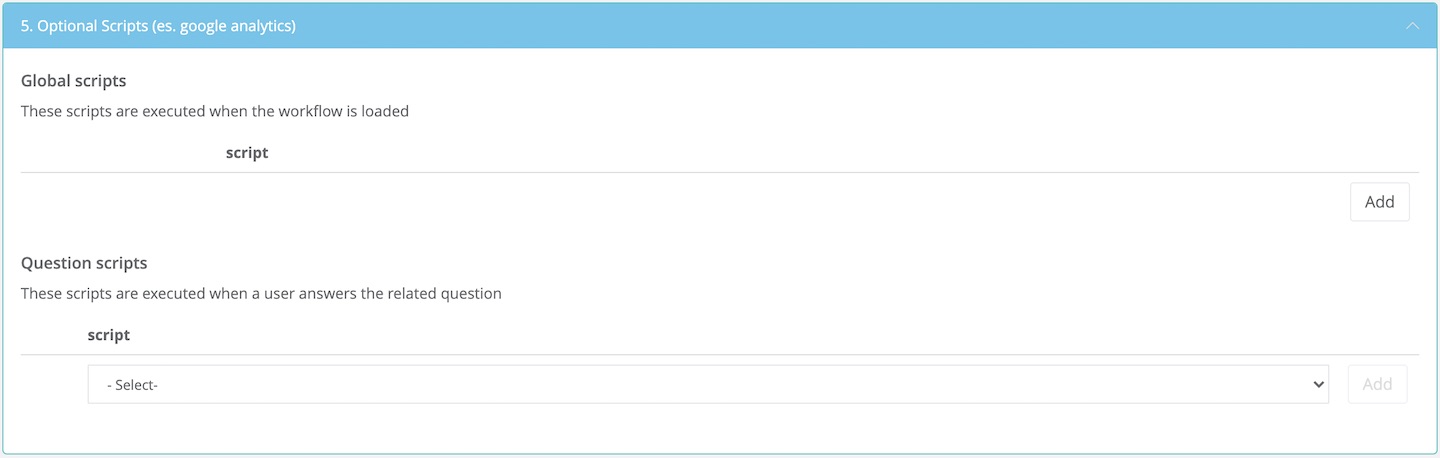
Optional Scripts
This option allows you to add custom scripts and execute them with specific conditions.
Scripts need to be in a javascript/html format.
Approval Steps
Imagine that you designed a basic form and you now want a manager to review all the information and approve or reject the request. For processes that are not complex (not using Data Objects) this is an easy solution.
The system requires you to define the name of the Approver and who you want to assign the task.
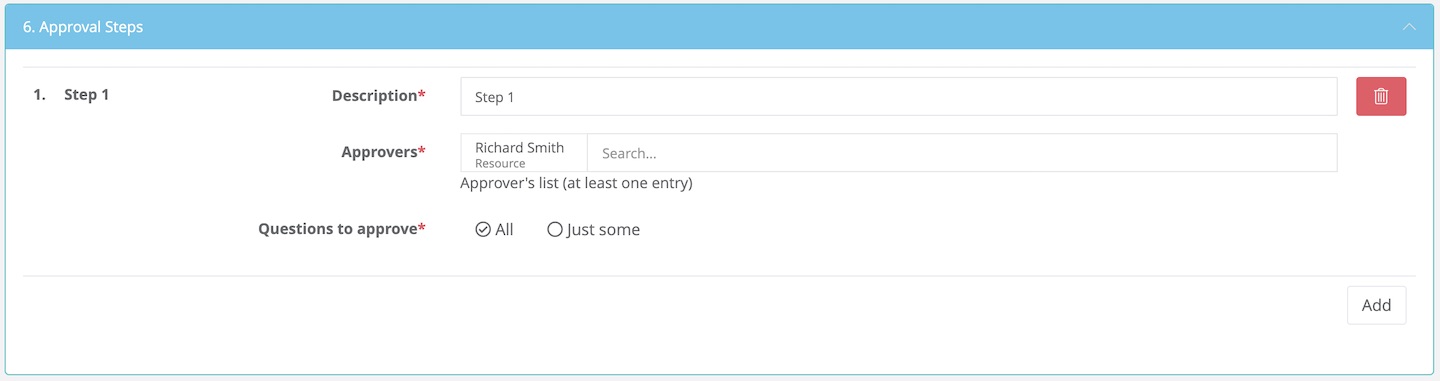
You can add multiple approval steps (vertical or sequential authorization) by clicking the Add button.
If you require more users being on the same approval step at the same time simply add more users in the "Approver" field. If needed, you can also use attributes or roles instead of Users.
To view a step-by-step of this process, please view the following video:
To further customize your Form, visit the following:
How to Create a Distribution List
Comments
0 comments
Article is closed for comments.