
To create a workflow with DocuSign, you will go, first to Workflows> Builder. Then choose your folder and create a new workflow. (If you already have an existing Workflow that includes your signing process you may duplicate or use that one.) It will need a name, be a Form, and be located in a folder.

Next, you will begin defining questions. It will also be a Form, for example, Company Info. You will set all the information needed, like Company Name, Address, etc.
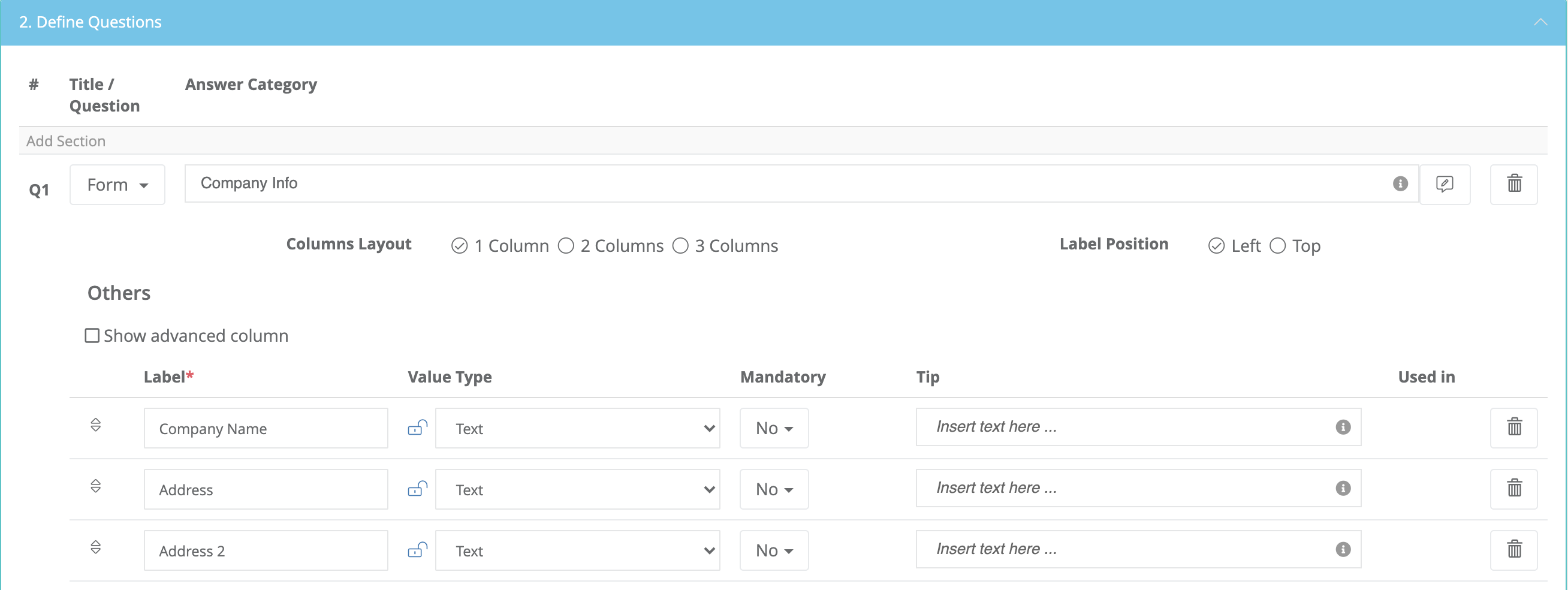
Add a second question and continue. This one, also a Form, maybe named "Contact Info". This will include First Name, Last Name, Email Address, etc.
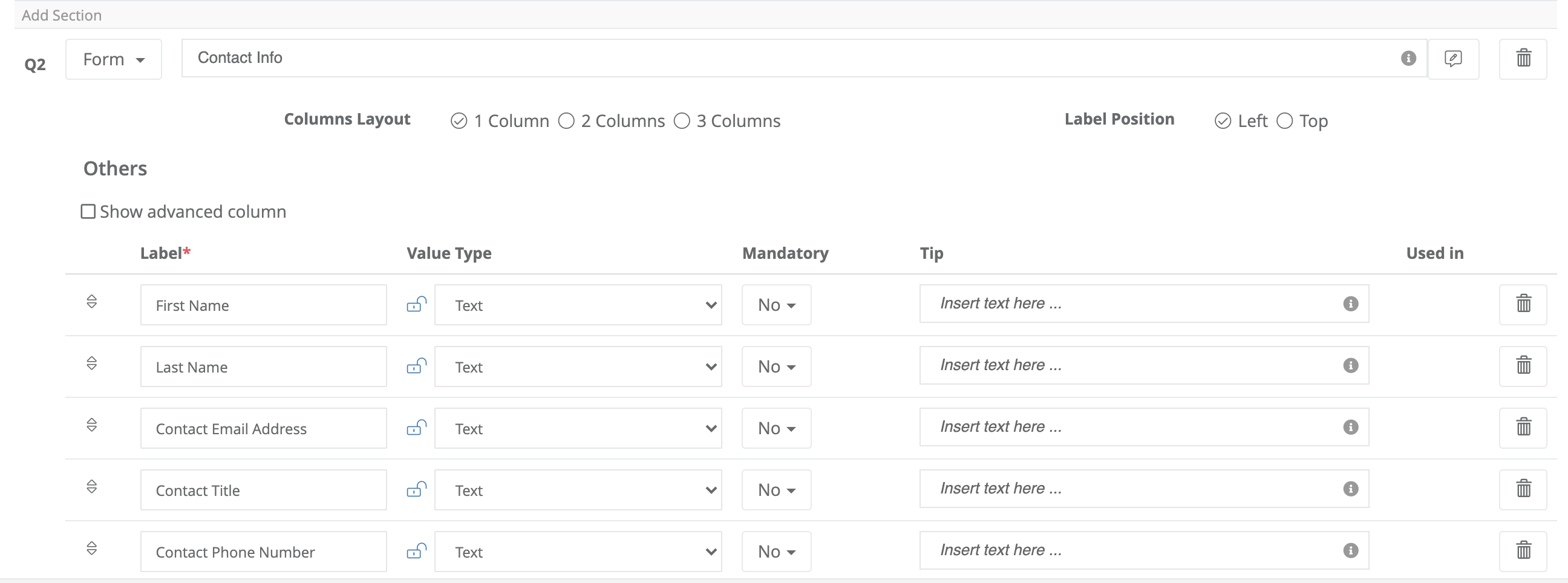
The next one will be a DOCX format. When you choose this format, it will give you a section to drag and drop your document into. This can be a Word document containing your document to be signed. (MSA, NDA, etc.) When this document is uploaded, it will pull the information from the other questions and place them where the placeholders are in your document.

Then, another Form, this one is a DocuSign eSignature, the Type is eSign.

It will show who will sign, you can decide in which order, or if there is only one. You can also customize the email message that will accompany the documents.

Lastly, be sure that all the steps are connected. It should look like this. And Save!

Comments
0 comments
Article is closed for comments.