This component enables the scheduling of calls to external connectors. The execution can be linked to a date previously recorded in a Data Object or a daily execution can be defined for a certain period of time. The following is a step-by-step explanation of how to configure the scheduler.
1. Access the Set-up Menu

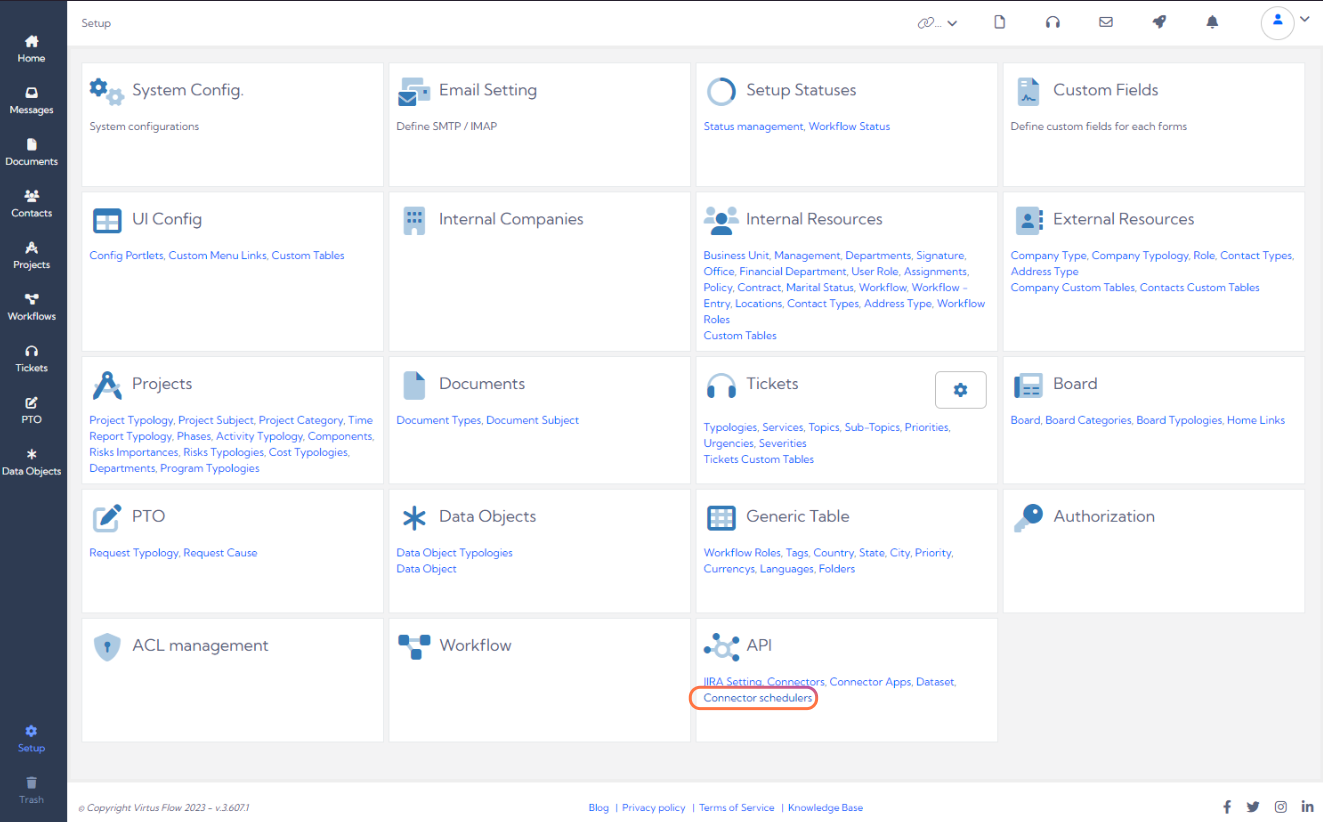
2. Choose Connector Schedulers under the API Section
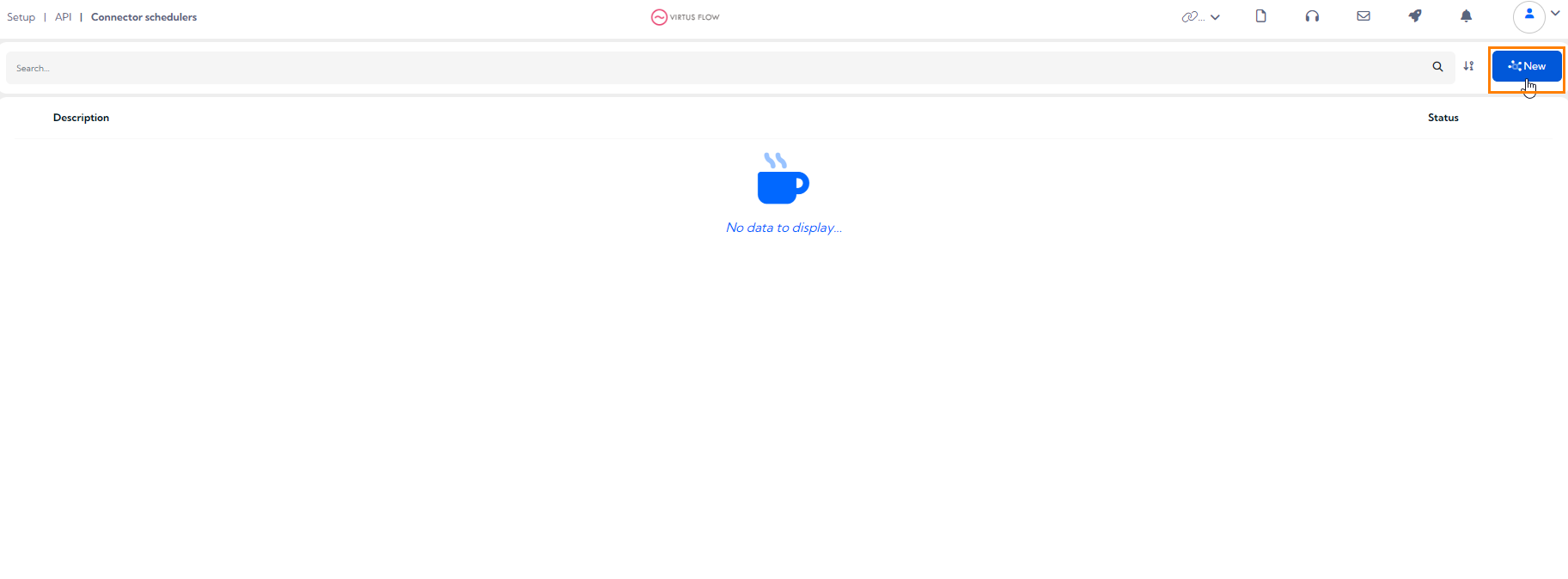
3. Add a New Scheduling rule
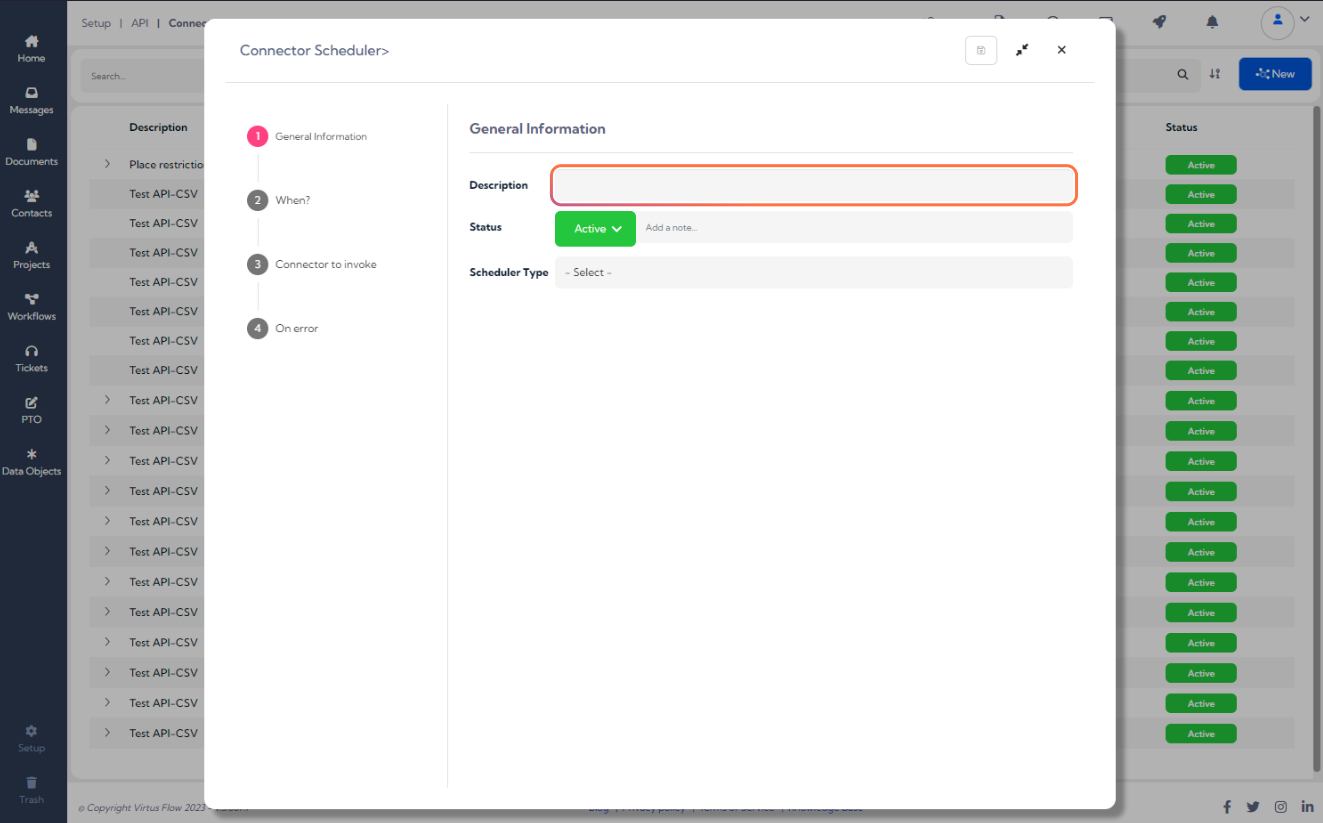
4. Add a Description to the Rule
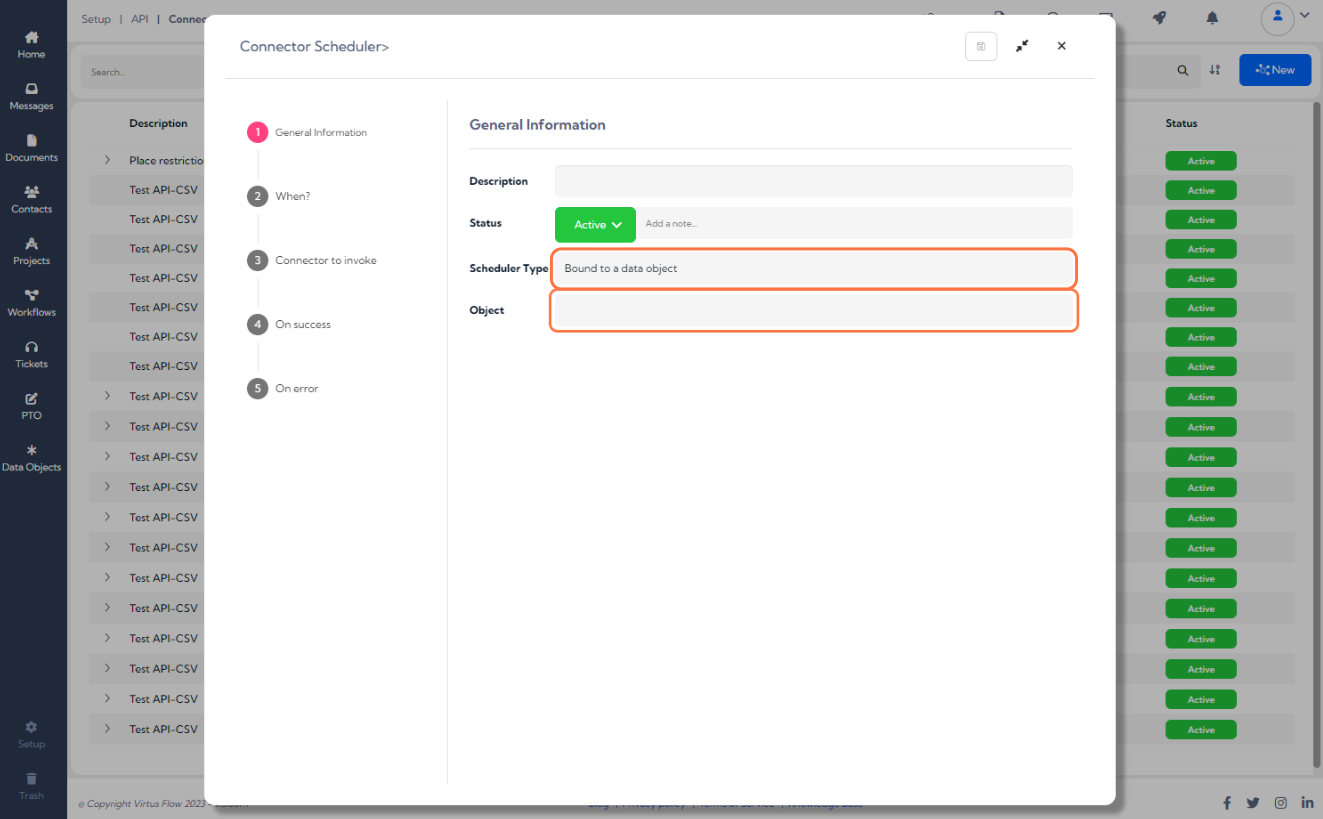
5. Use the Scheduler in one of two ways 1- Linked to the field of Data Object or 2 - Generic, where the execution is linked to the data inputted at the time
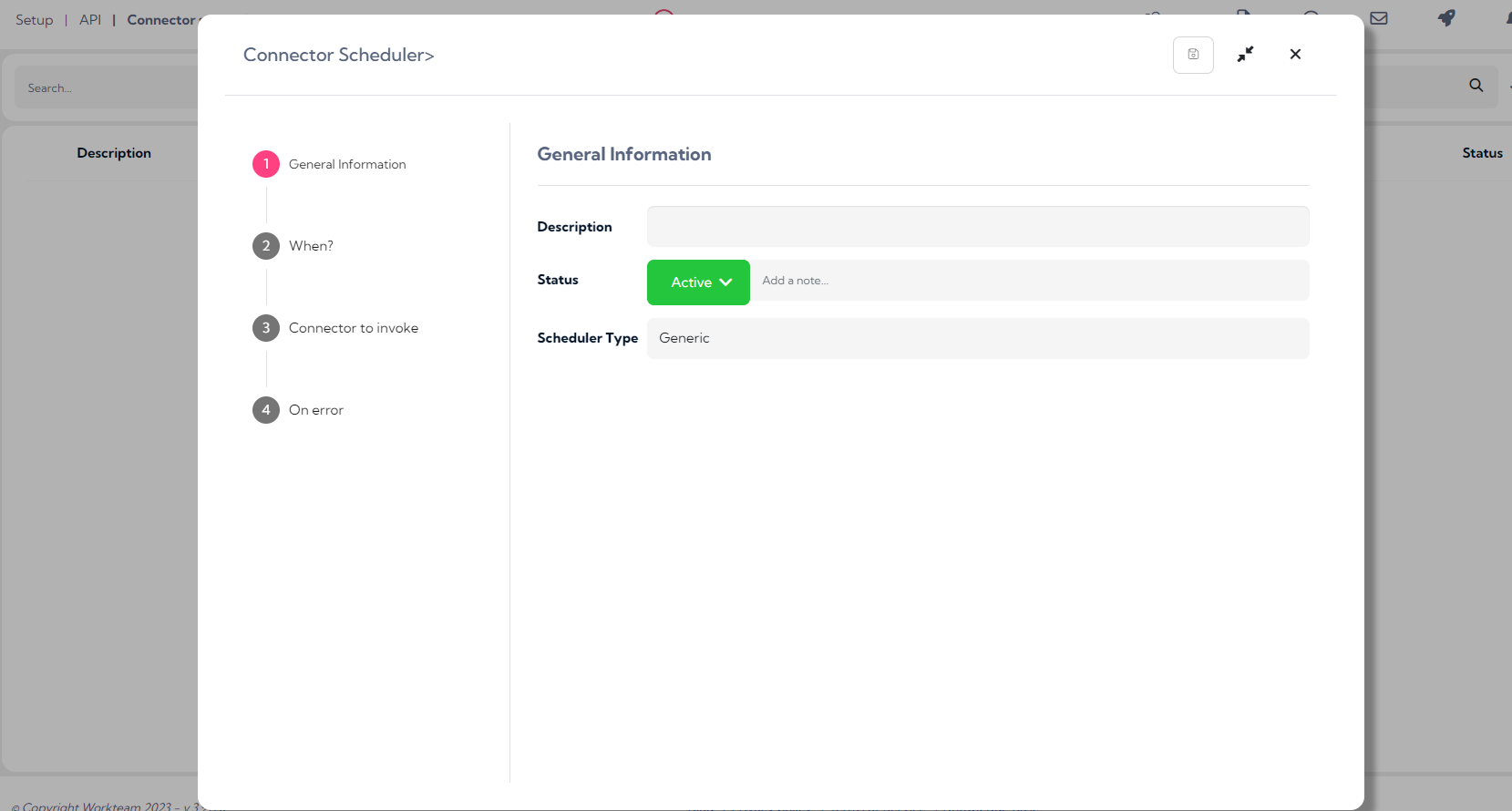
6. Define the time when the call to the connector is to be made

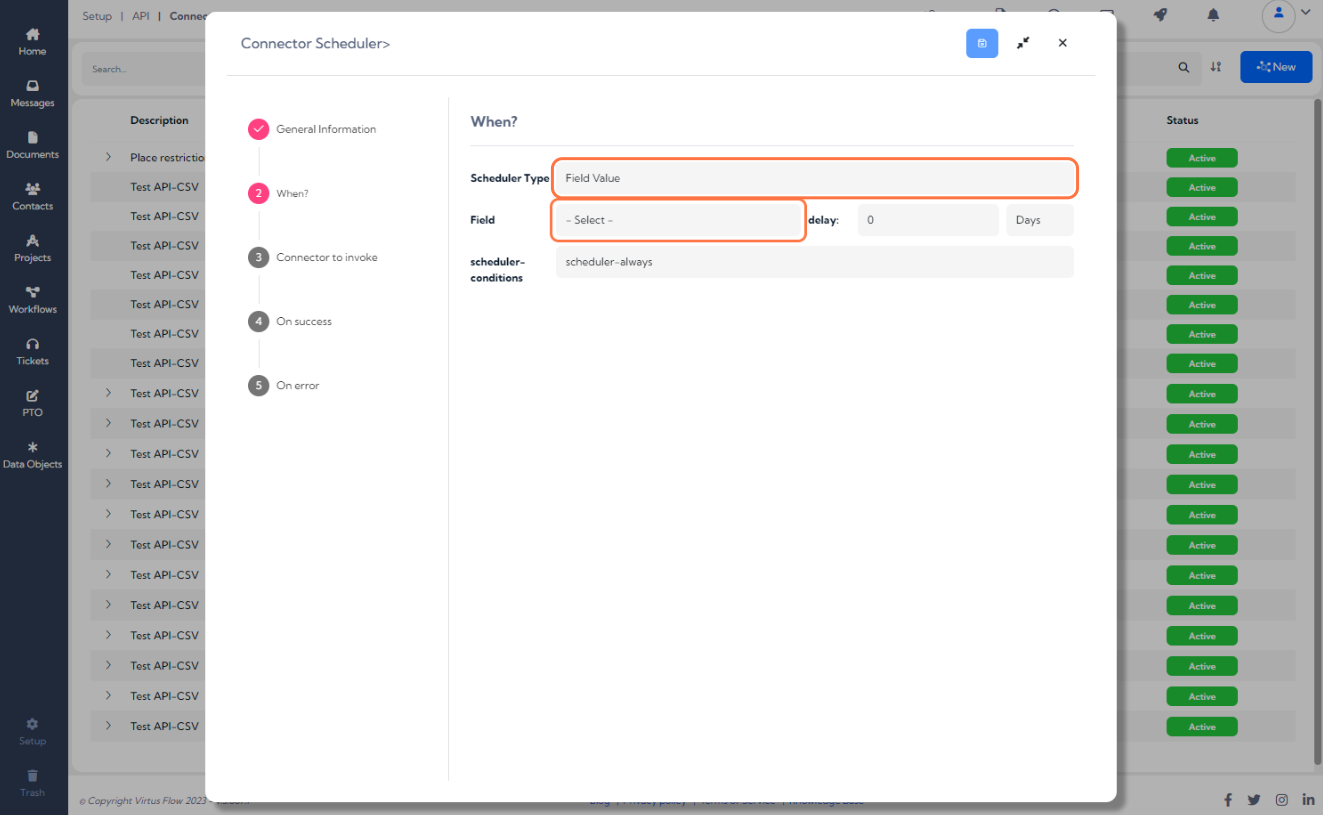
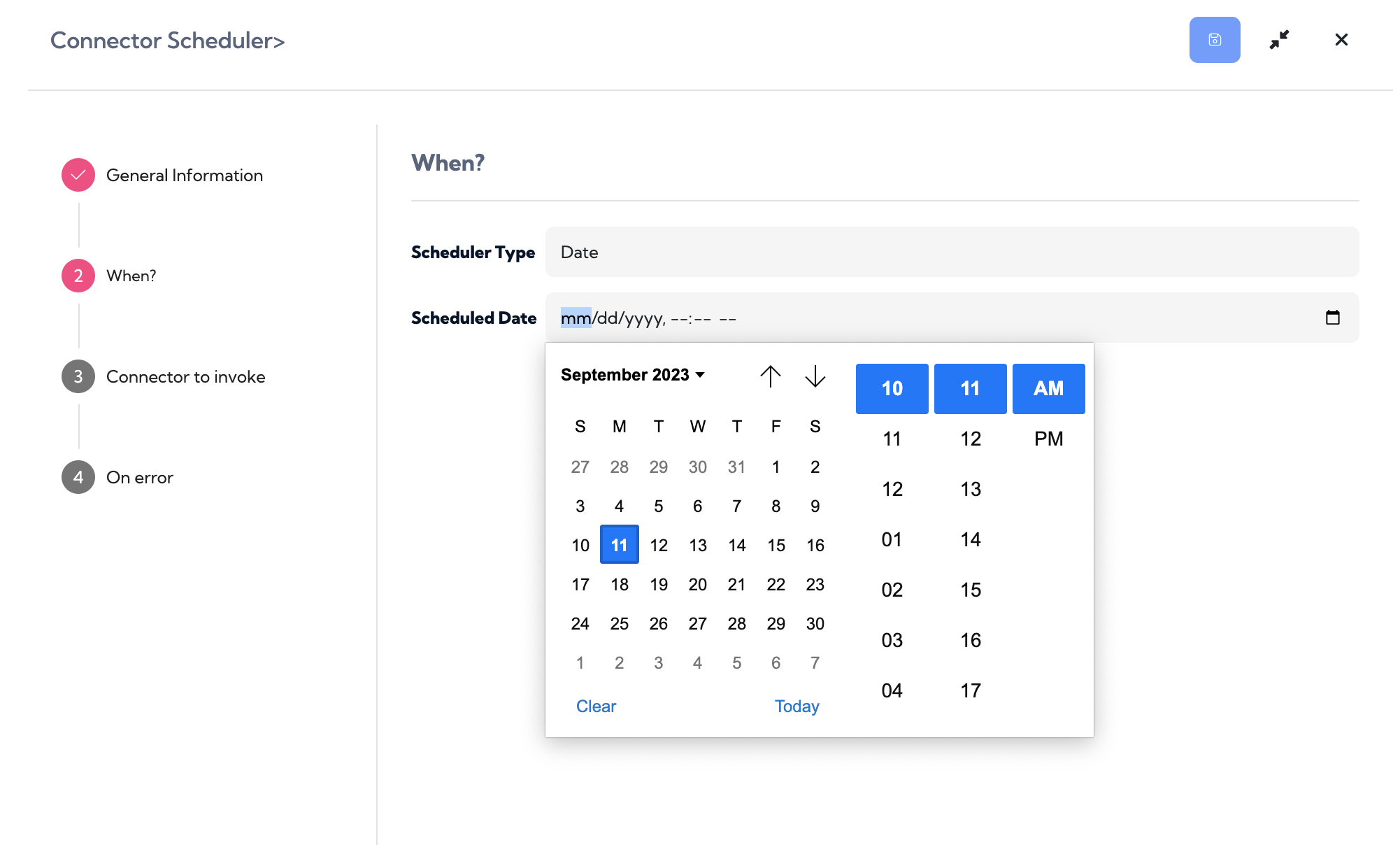
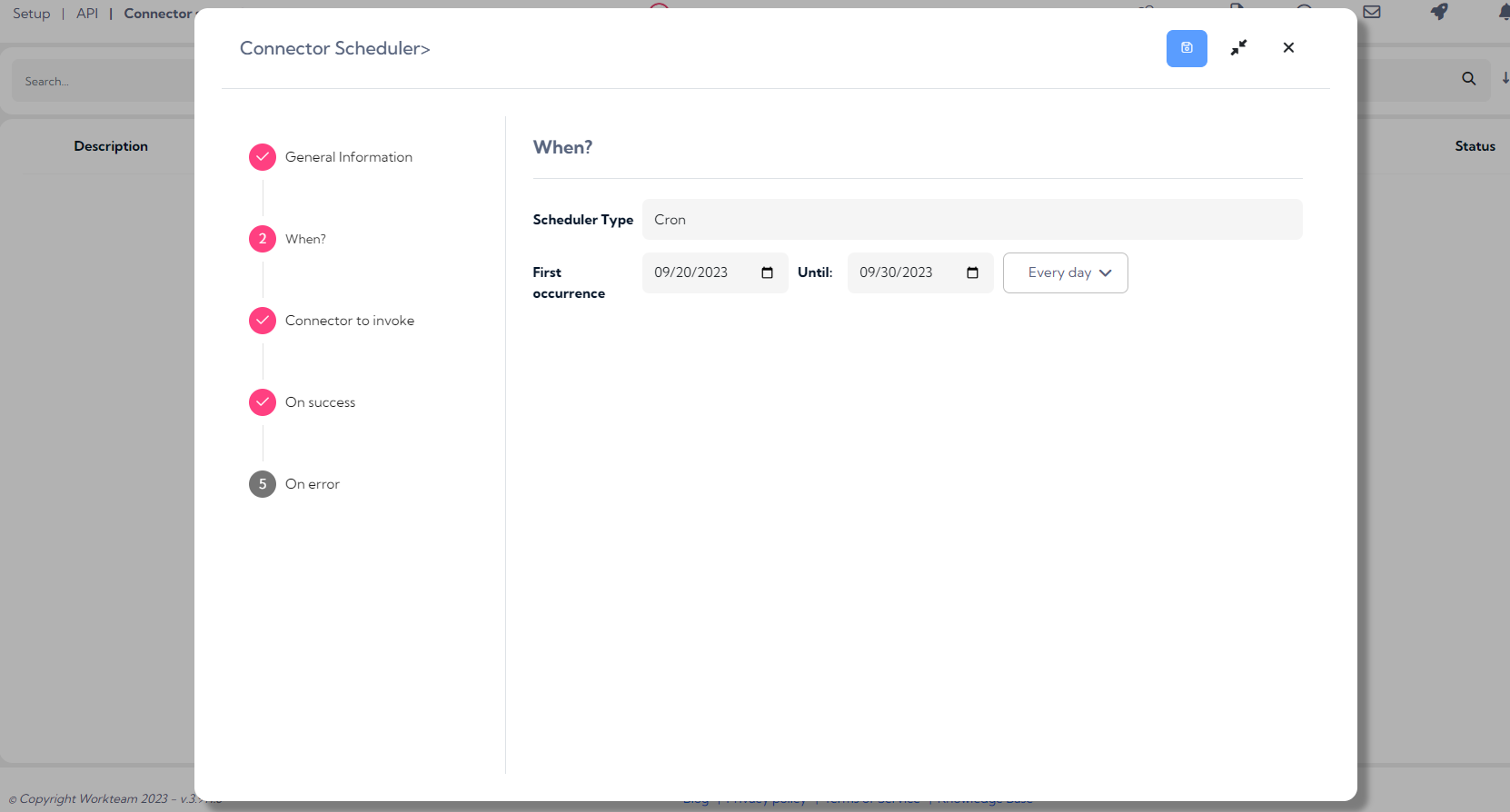
7. The trigger time of a call can be defined in three ways:
1: Field Value: Allows the call trigger date to be defined based on the value recorded within one of the fields of the Data Object type chosen in the previous step. To be able to choose this option, it is mandatory to have selected a data object type in the previous point
2: Date: Allows a trigger date to be defined at the moment.
3: Chronological: Allows you to define a recurrence of the call within an interval defined by start date and end date
8. The next step is to select the API to be called from those already integrated in Virtus Flow
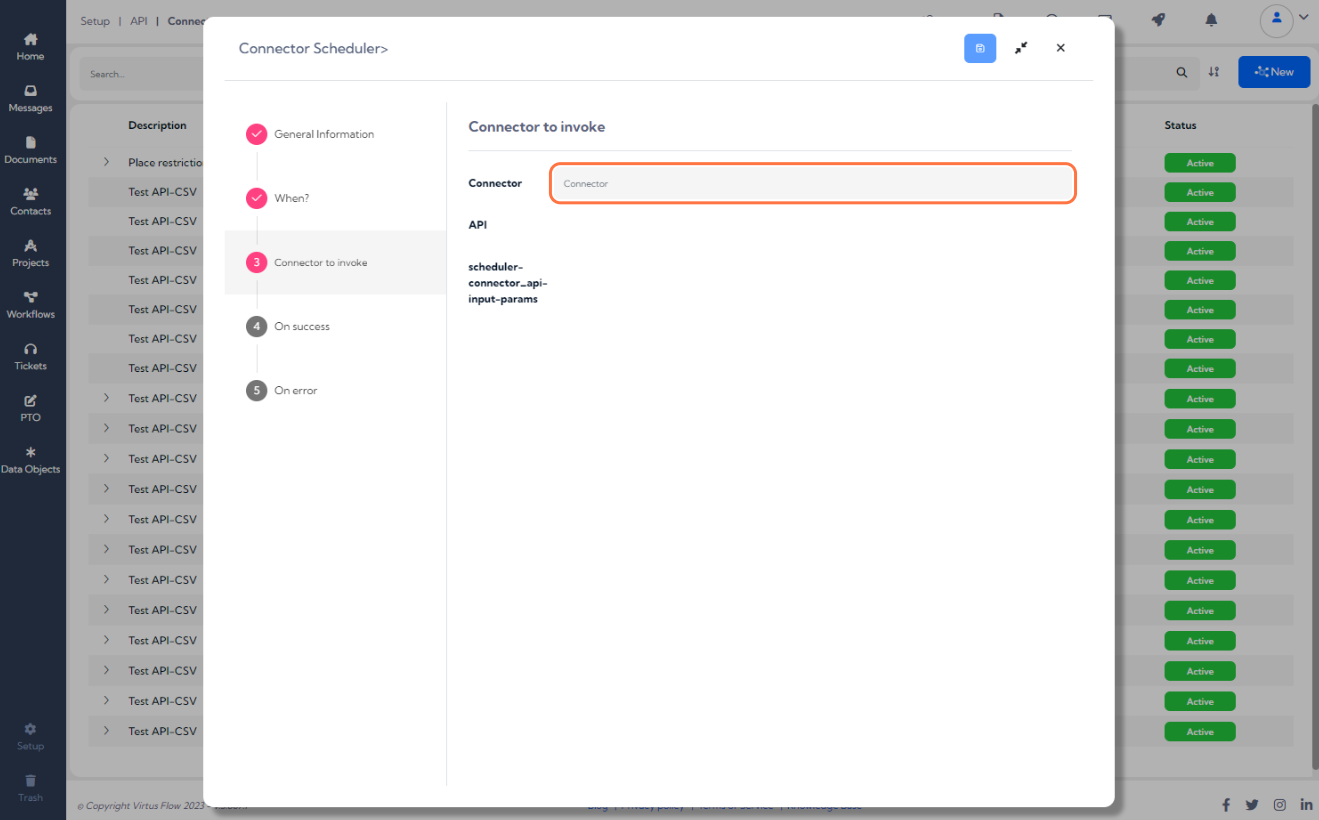
9. When a trigger linked to a Data Object Field Value is selected, you can define additional actions for a successful API call and specify the Data Object Field Values upon successful execution
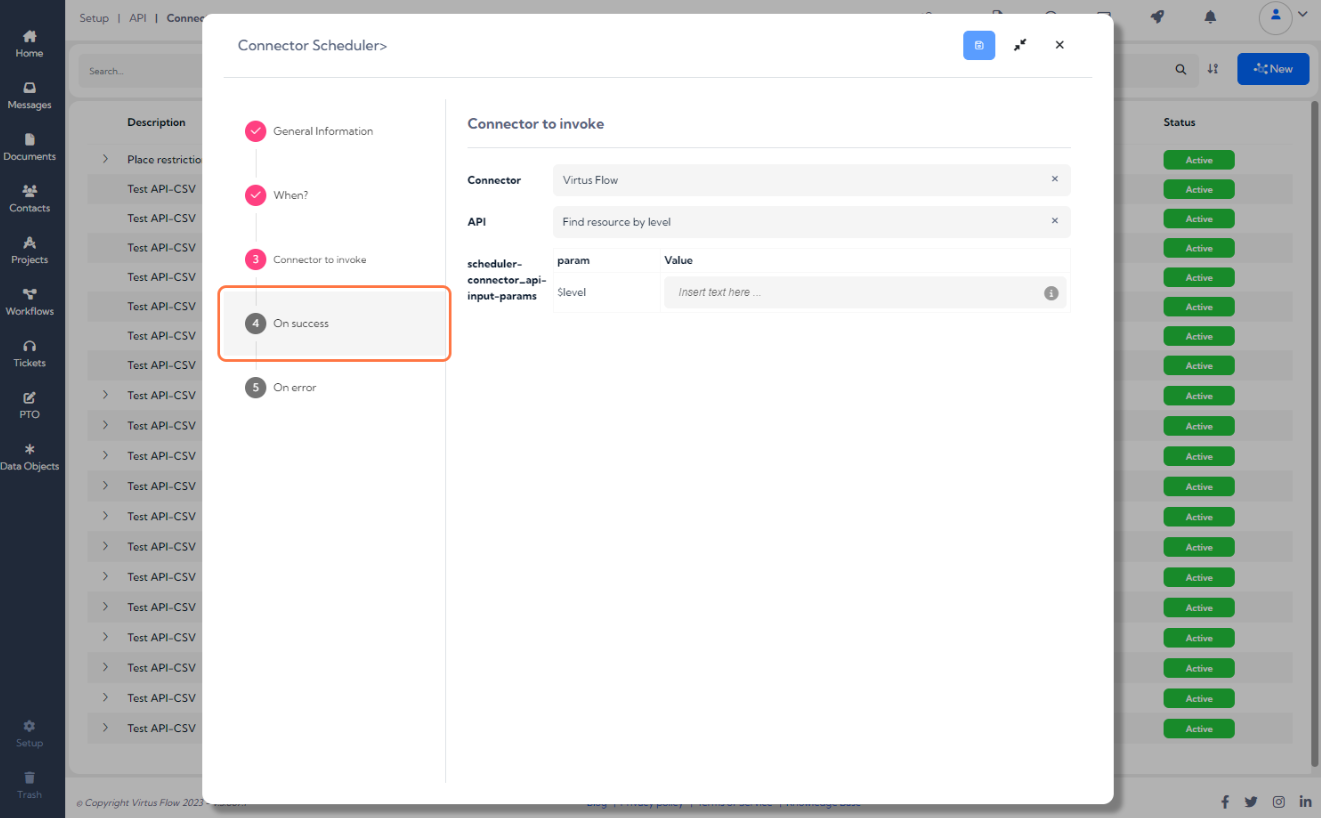
10. When a trigger linked to a Data Object field value is selected, you can define additional actions for a successful API call and specify the Data Object field values upon successful execution
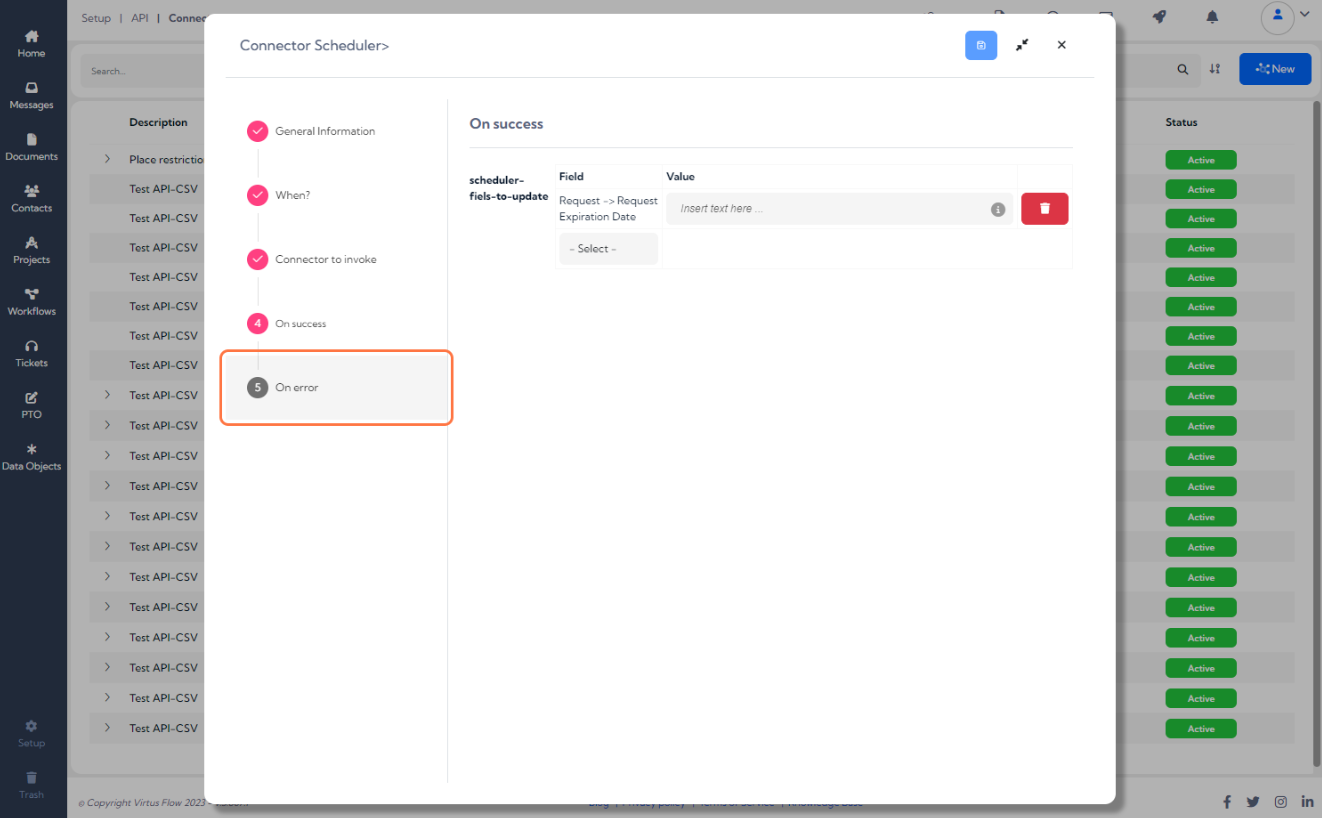
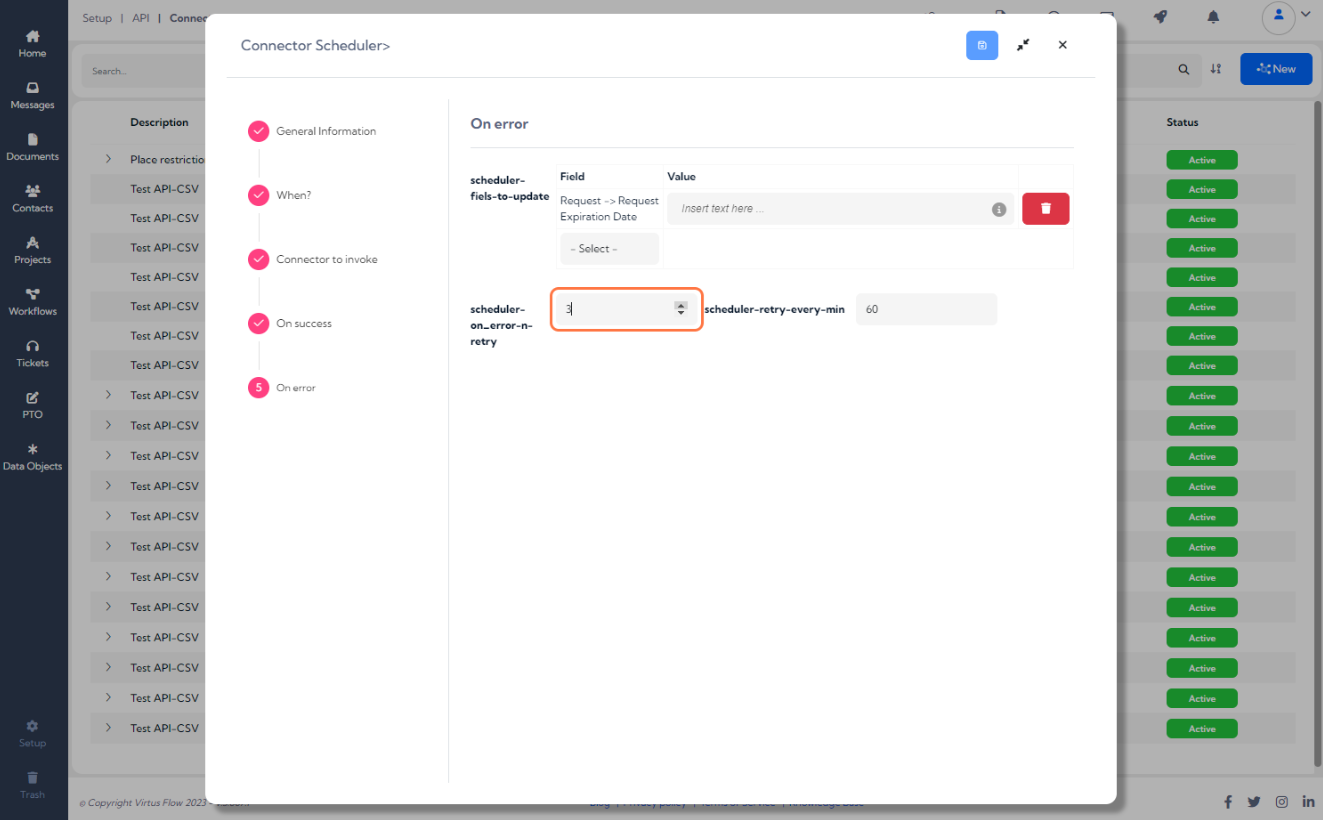
11. Furthermore, in the event of a first failed call, you can schedule the number of subsequent attempts and their time interval

Comments
0 comments
Please sign in to leave a comment.