
How can you use Workflows to aid you in Project Management?
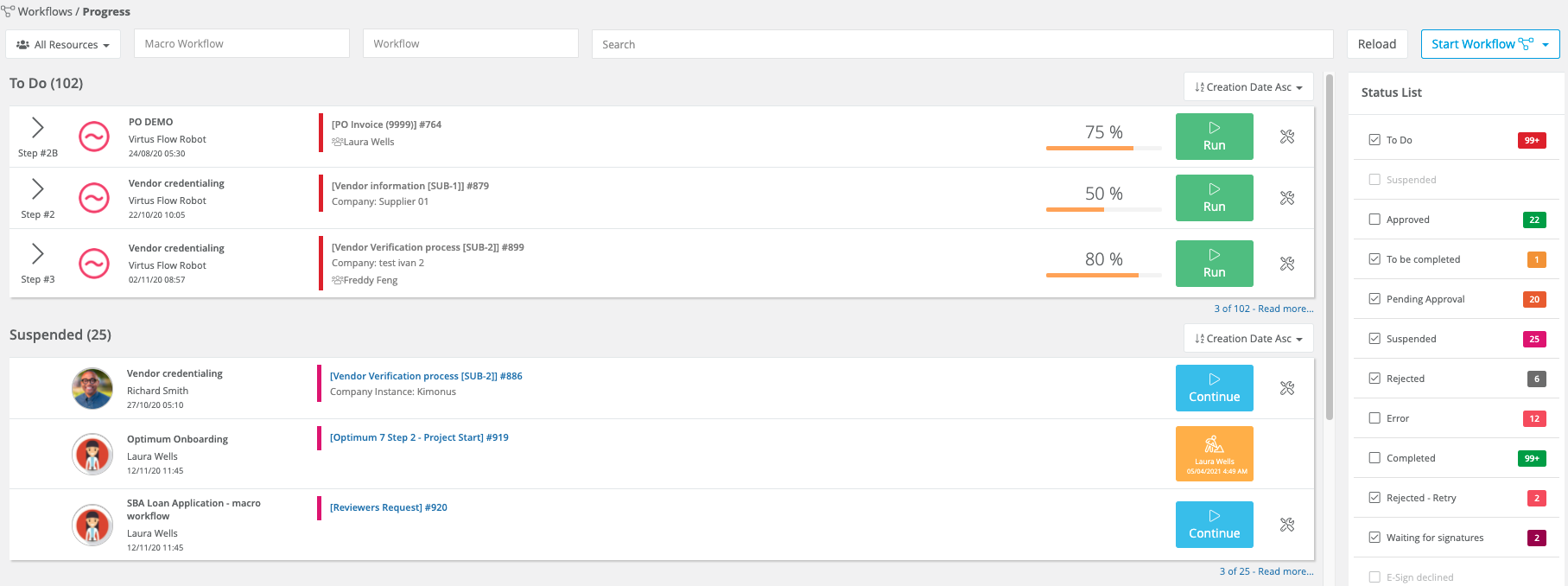
Workflows are an essential part of Virtus Flow. As a Project Manager, you can use the Workflows> Progress to view the processes of All Resources. You can easily view any processes labelled ToDo, Suspended, Pending Approval, Rejected, To Be Completed, and Waiting for Signatures. This will allow you to track the progress of any project and make updates as needed.
Inside the Workflows> Builder you can use steps in the processes to keep you updated at every step if needed. You can do that in several different ways.
1) by adding yourself as an approver if a certain step requires it
2) by setting it to send you a message when a step has been accomplished
3) by a Distribution List, either adding yourself, your team, or any others that you may need

4) adding Verifiers, authorized to see processes that don't belong to them to monitor progress
Workflows> Report allows you to view the number of completed and submitted workflows, workflows by status, and the number of workflows during the month separated by status.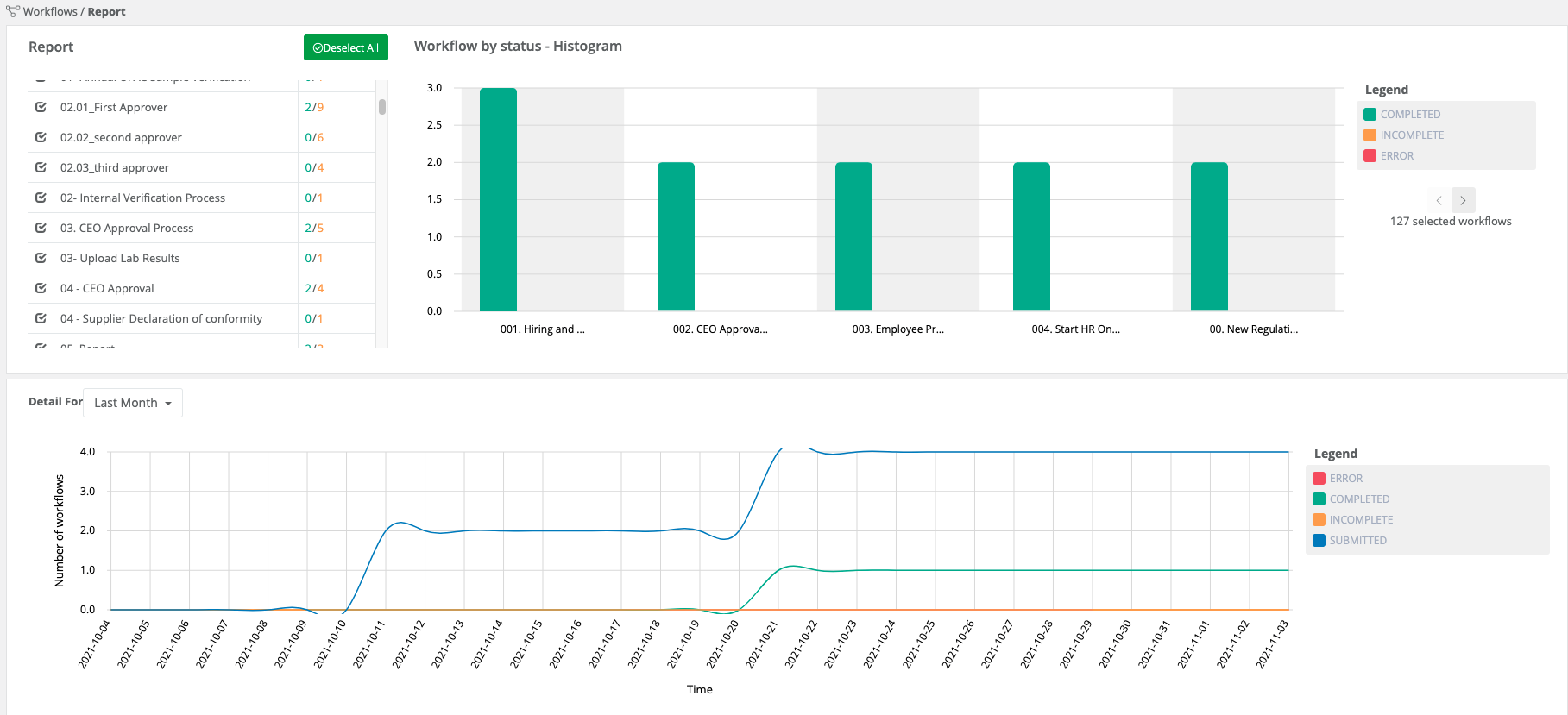 The Workflows> Scheduler allows you to set a TODO for processes at a future time. It's separated by category, workflow, etc. You can set it to be distributed to a person or team and have it be a One Shot or Recurring or have it appear in the Home Page.


Comments
0 comments
Article is closed for comments.